
Augmented Reality: View in Your Space
Open one of these pool designs on an iPhone or iPad and place it in your own backyard at full size.
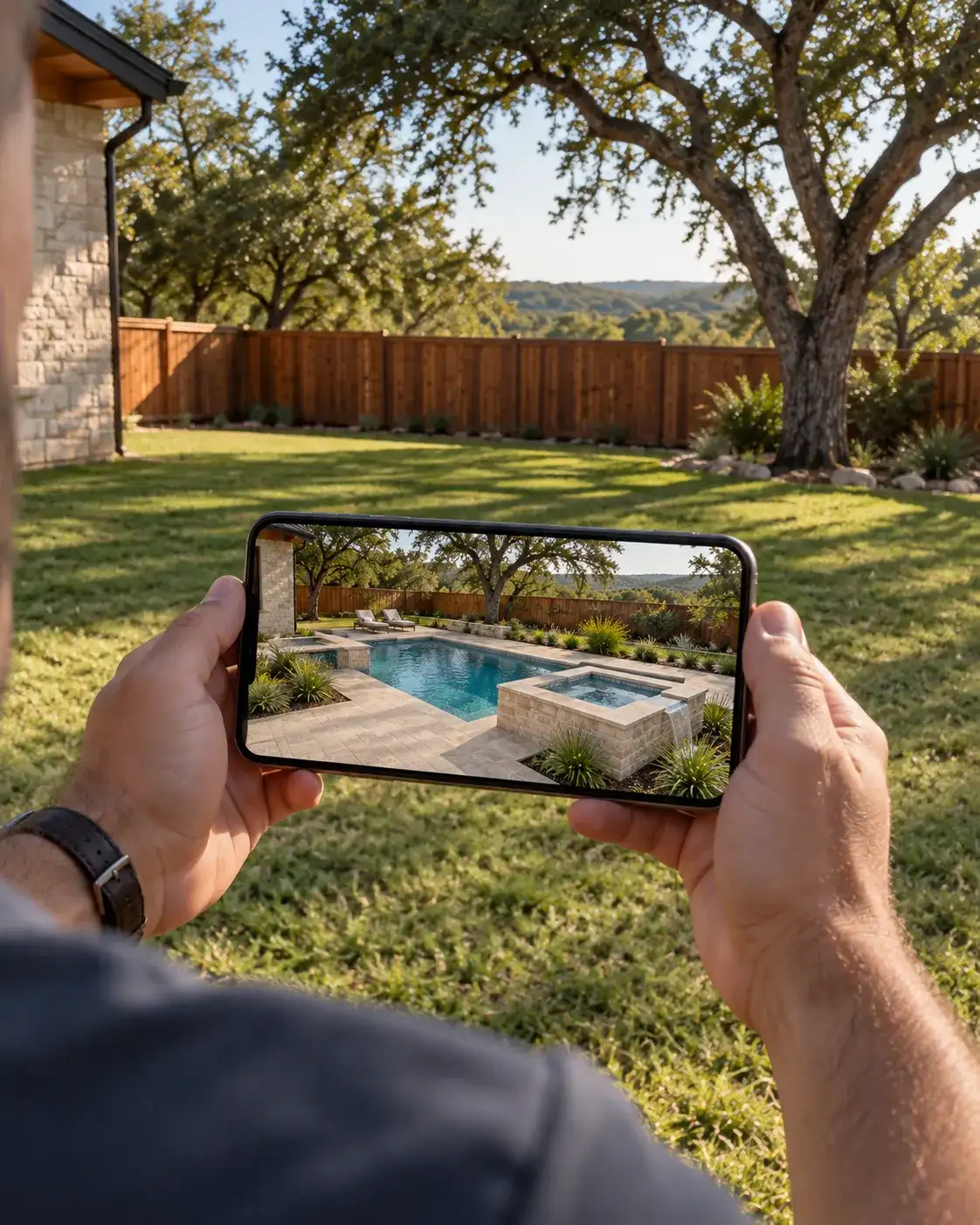
Choose a design
AR view opens in Apple’s Quick Look, so it needs an iPhone or iPad. On other devices the link downloads the 3D model file. The card pictures are illustrations of similar pools, not the models themselves.
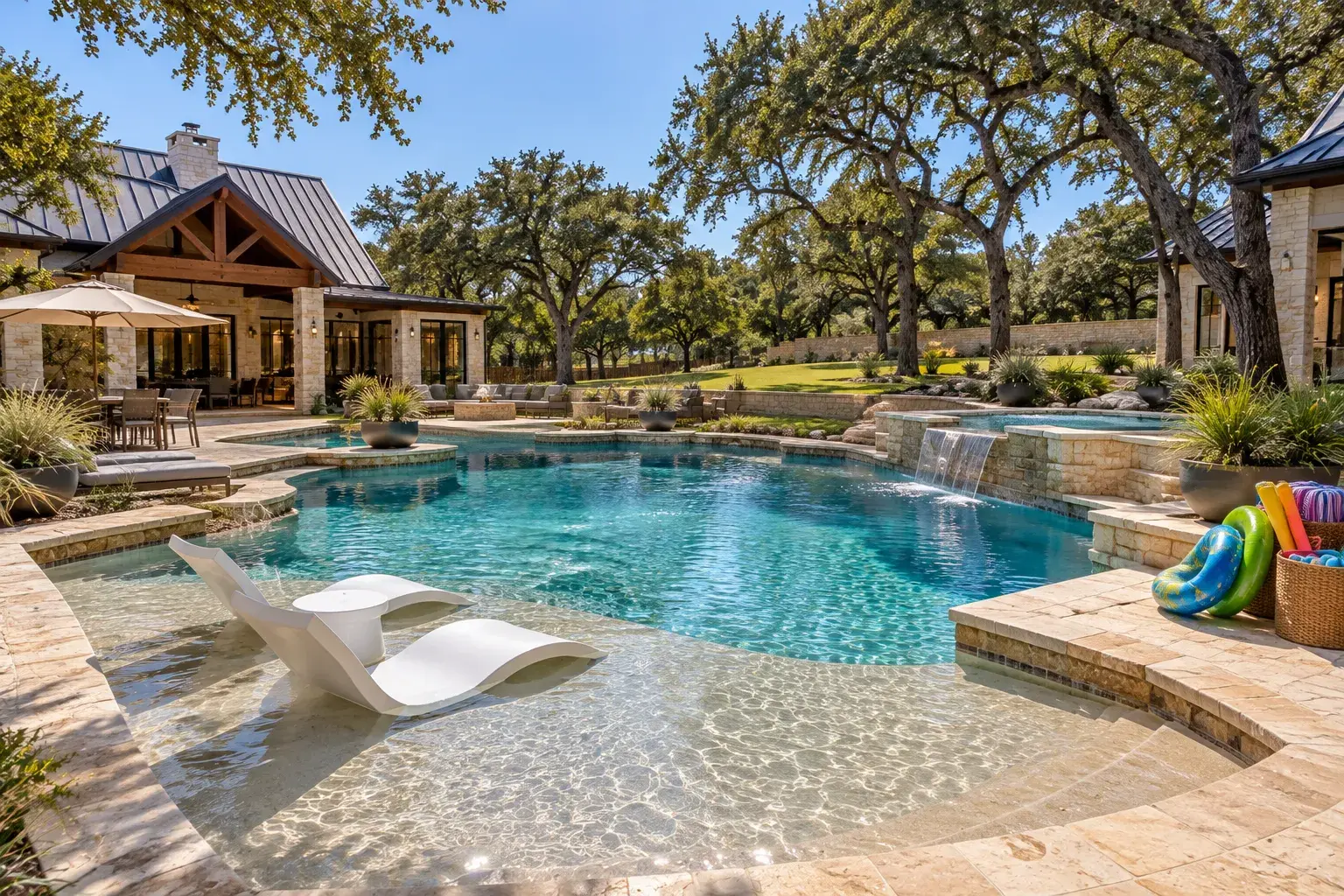
Pool 3
View in your space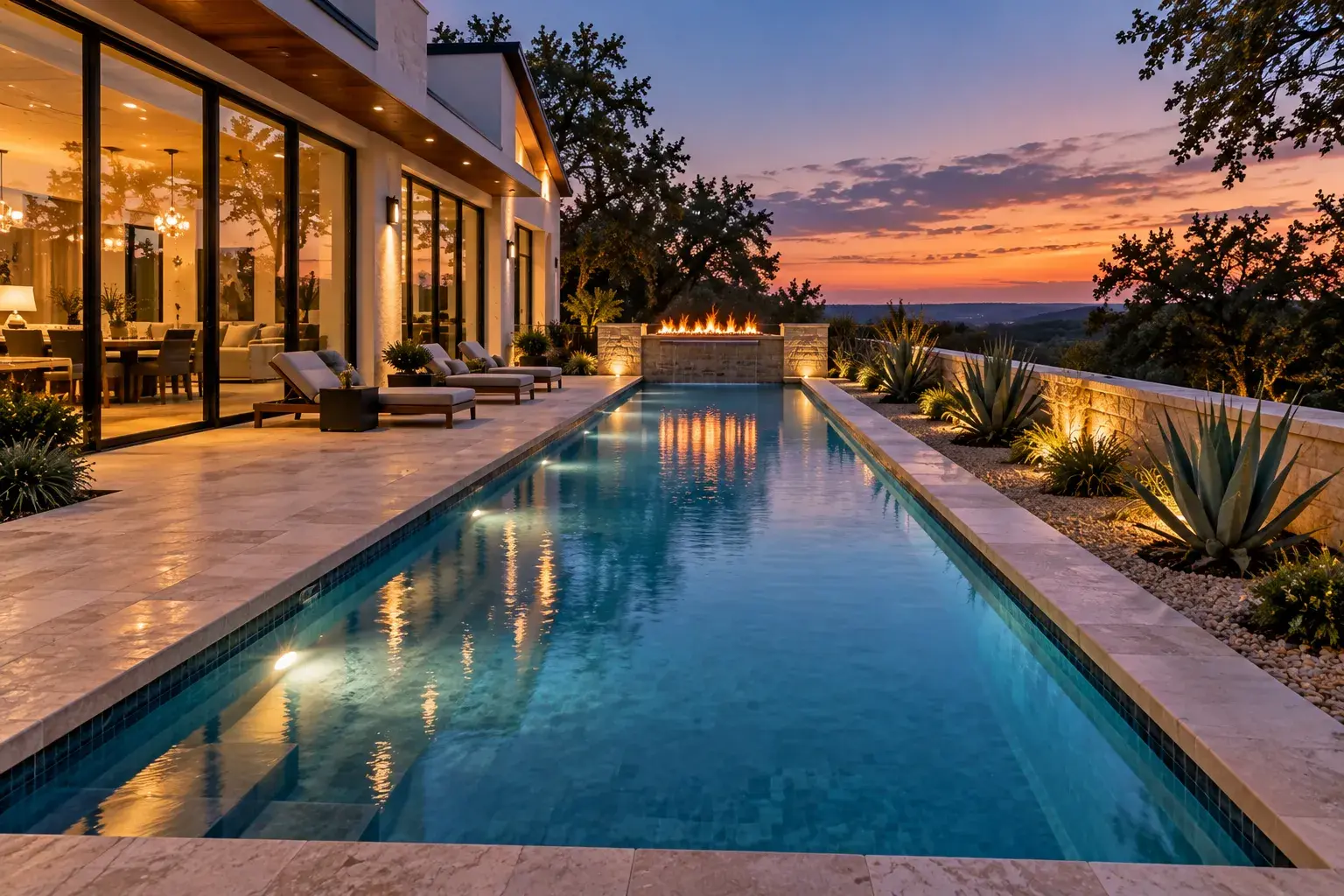
Pool 4
View in your space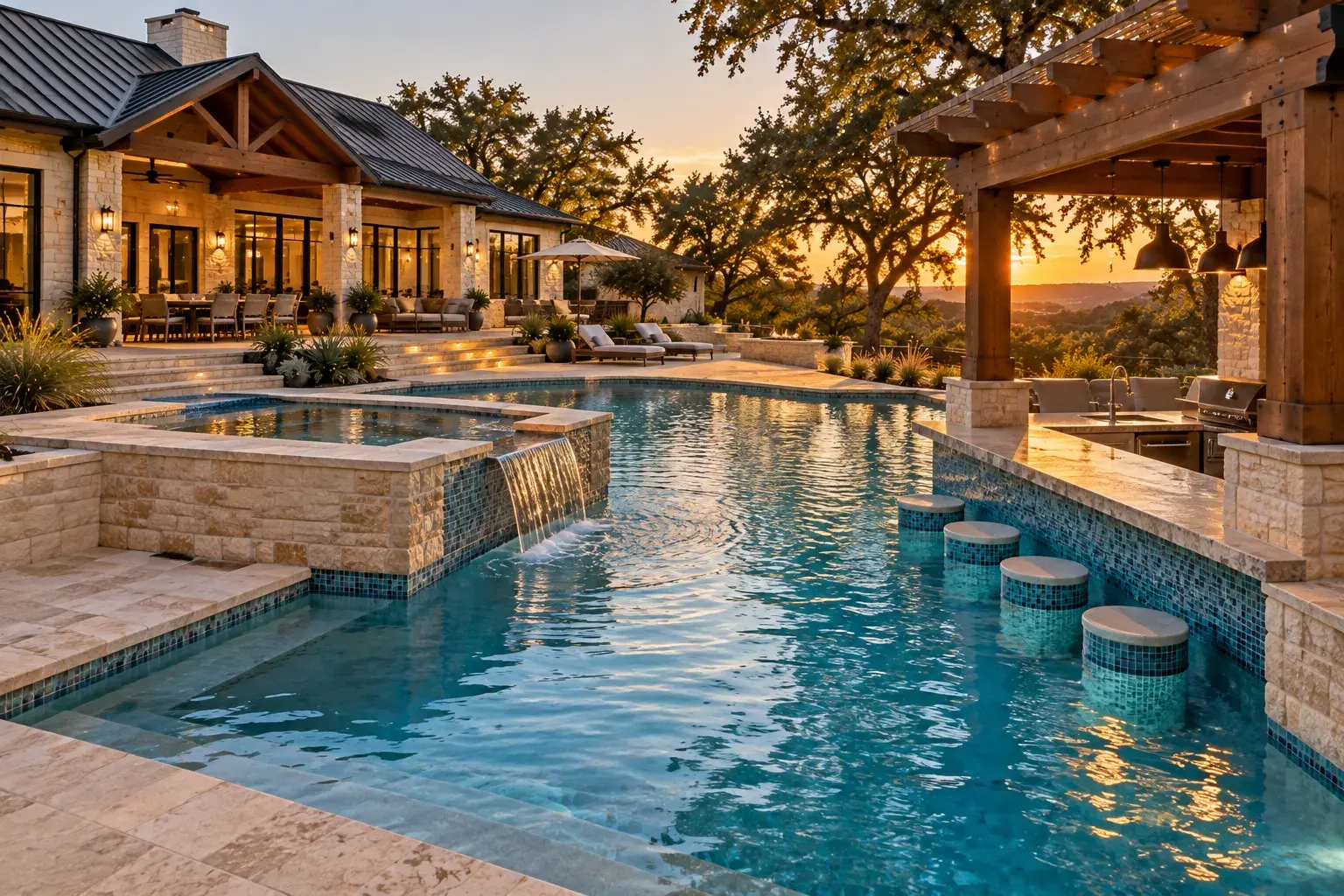
Pool & Spa 1
View in your space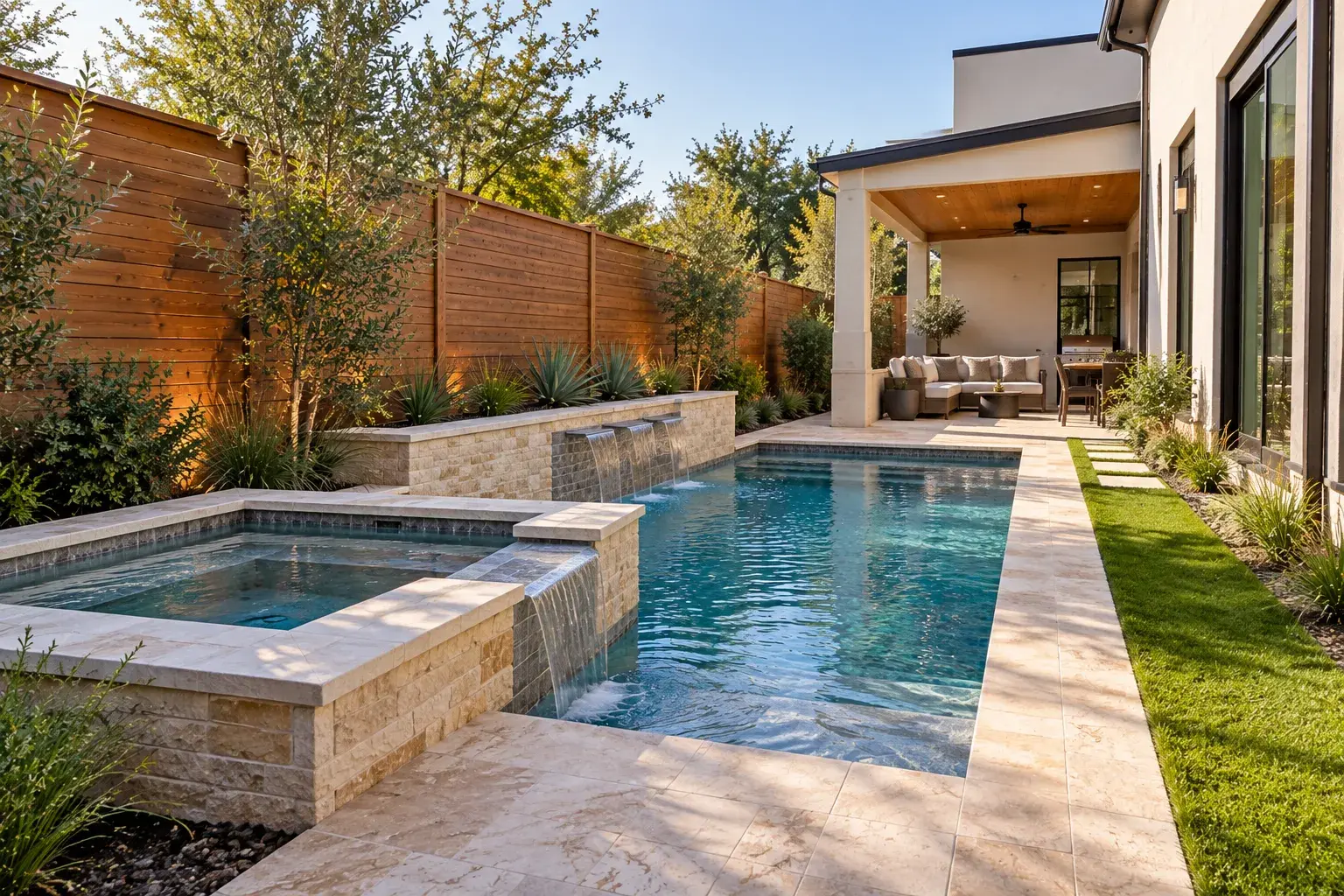
Pool & Spa 2
View in your spaceHow to use AR view
- Open this page in Safari on an iPhone or iPad.
- Tap one of the designs above. It opens in Apple’s Quick Look.
- Choose AR, then point the camera at the ground in your backyard.
- The pool appears at full size. Walk around it, and pinch to resize or drag to move it.
On a computer or Android phone the link downloads the model file instead. The 3D render videos page shows the same kind of designs as video.
Can you make a 3D model of my own backyard?
Yes. Every Westbank project starts with a 3D design of your pool, spa and outdoor living space, built from your property survey after a free consultation at your home.
Why does the link download a file on my phone?
AR view uses Apple’s Quick Look, which is built into Safari on iPhone and iPad. Other browsers and devices download the model file instead.
Are these the only designs available?
These four are sample designs to show scale in your yard. Your own pool is designed from scratch around your lot, and you see it in 3D before anything is built.
Ready to transform your outdoor space?
Contact us today to schedule a consultation or learn more about our services. Our expert team will guide you from concept to completion, creating a personalized outdoor retreat.
- 1We call youWe get in touch to hear what you have in mind.
- 2We visit your yardFree consultation: measurements, photos, site and code review.
- 3You see it in 3DA custom 3D design and proposal before you sign anything.
Get your free quote
Tell us a little about the project. It takes under a minute.